
Guide 06 of 10
Beats: pads, sounds and a beat per part
Play the drum pads, write on the grid, pick presets, add sounds, record the pads live and give each part its own beat.
-
Play the pads
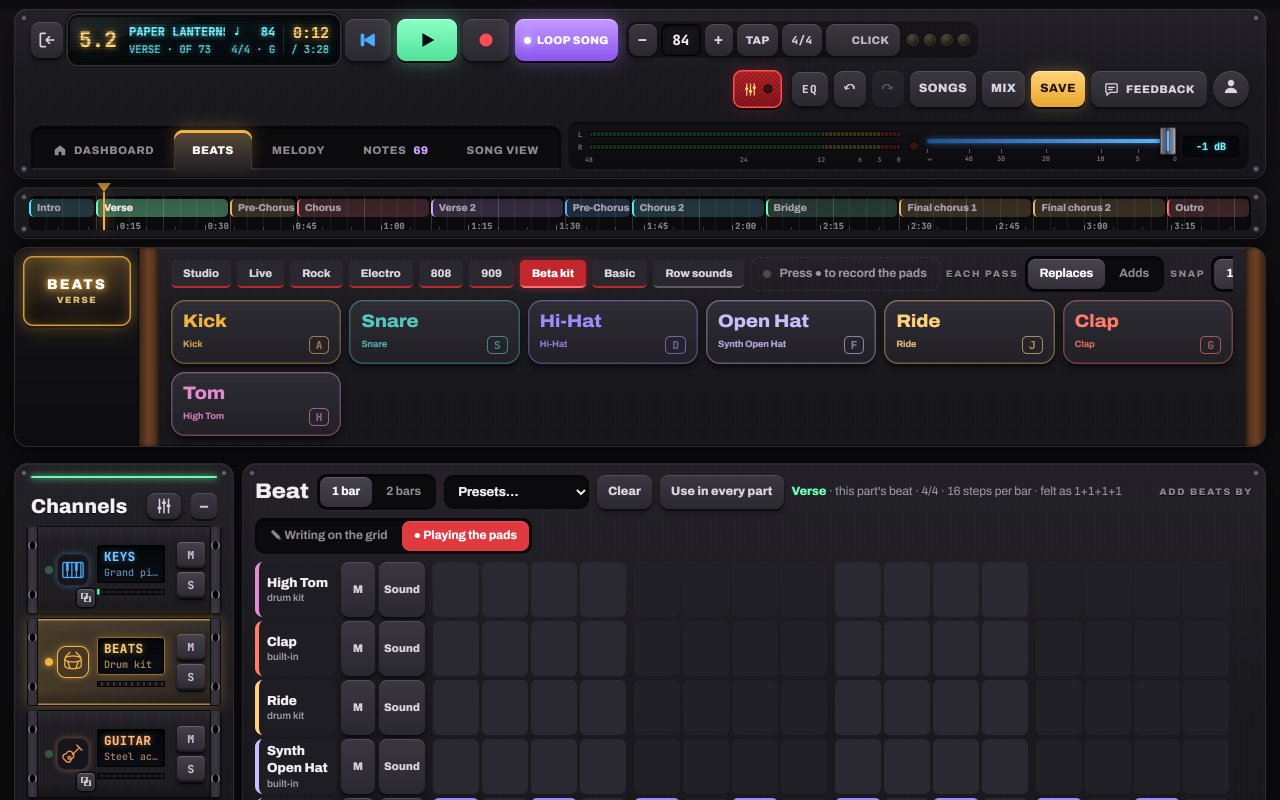
Open Beats and tap the pads: kick, snare, hi-hat, open hat, ride, clap, tom. Press record (●) and play along. What you play lands on the grid, in time.
- 1Pads (keys A, S, D, F, J, G, H on a keyboard)
- 2Drum kit or Electronic
- 3Press ● to record the pads
-
Write a beat on the grid
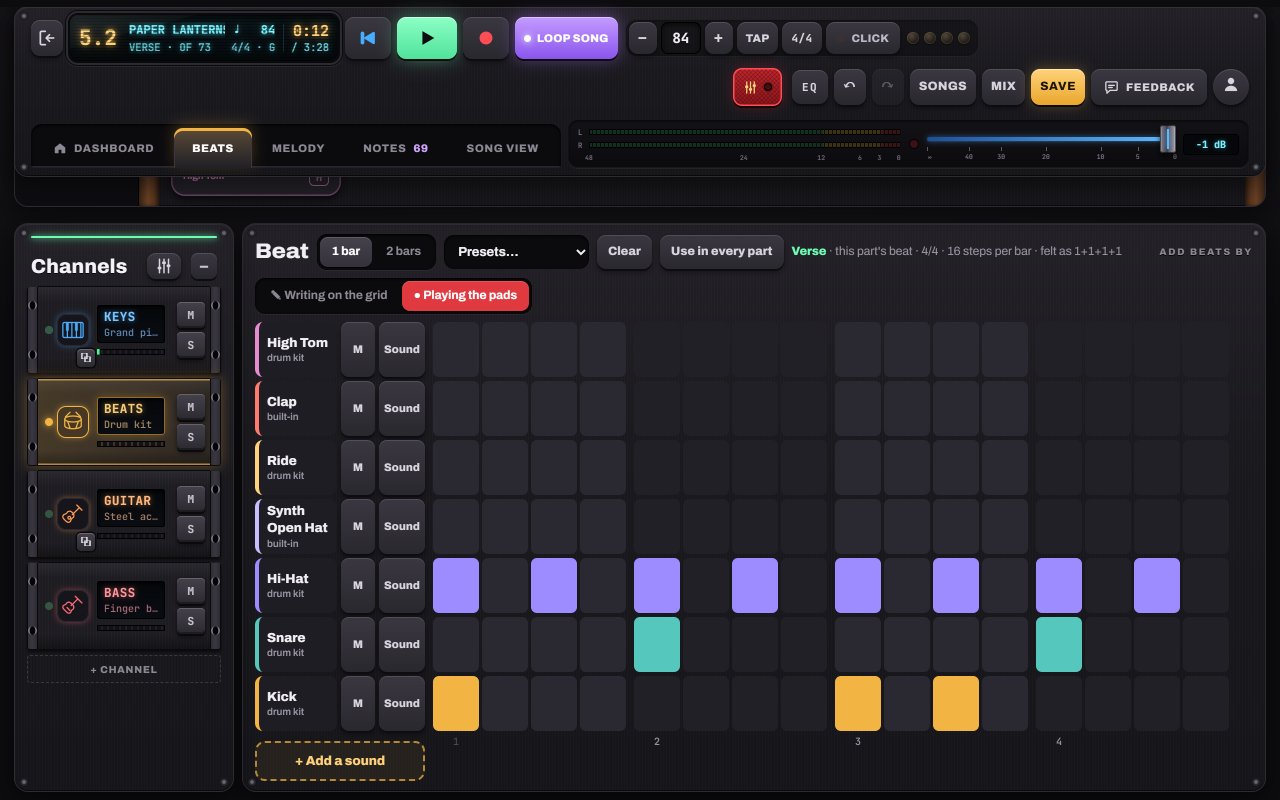
Below the pads, every sound has a row of steps. Tap to add or remove hits, choose a preset (Rock, Boom Bap, Four on the Floor, Funk, Trap, Waltz, 6/8, 12/8 Blues, 7/8, 5/4), or Clear and start fresh. Each row has its own volume.
-
A beat for every part
Every part keeps its own beat: busy in the chorus, half-time in the bridge. Use in every part copies this one everywhere. + Add a sound adds a crash, toms, a second snare or electronic sounds as new rows.
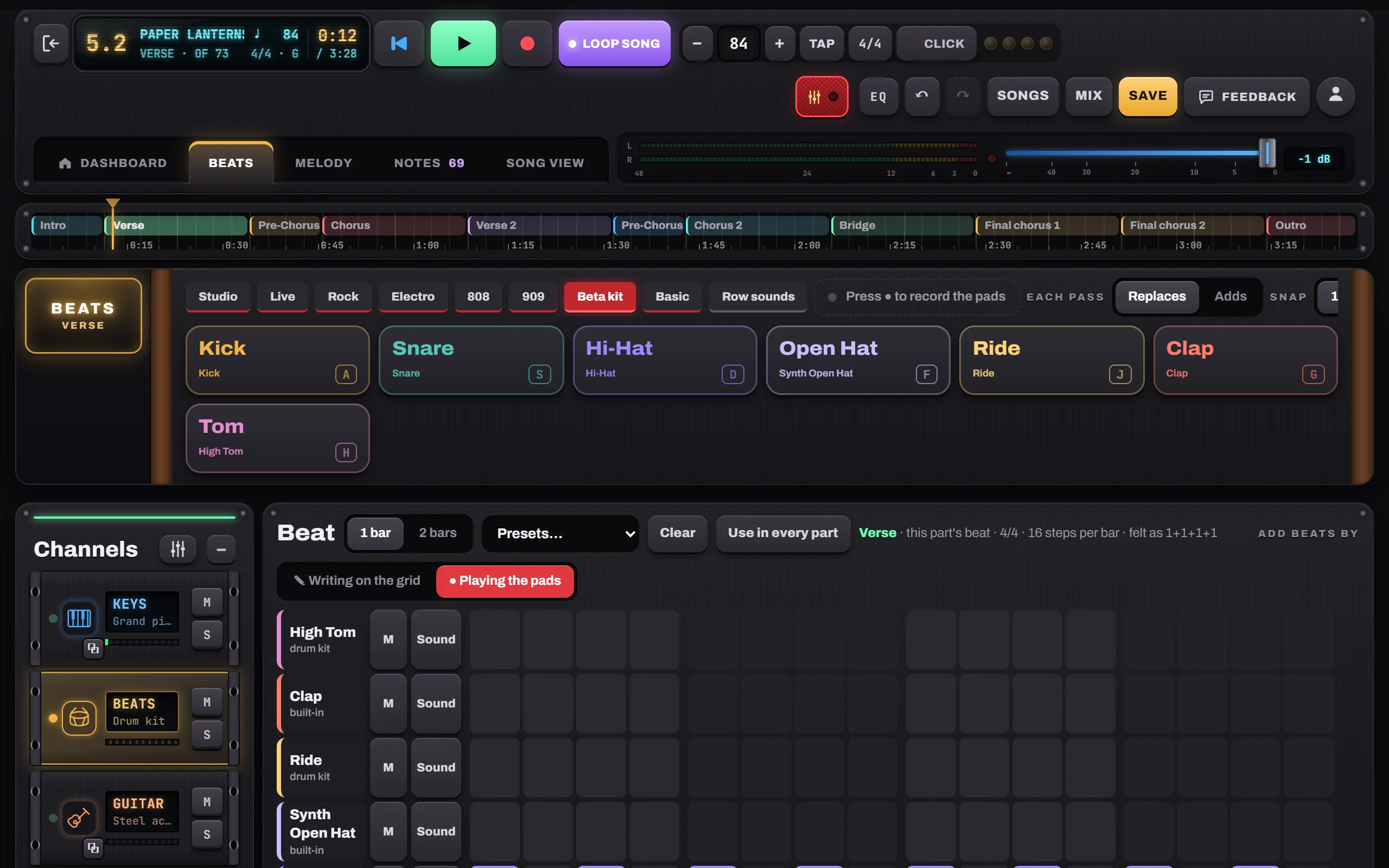
- 1Presets
- 2Use in every part
- 3Write on the grid or play the pads

Hear it in a sample song
- Paper Lanterns · Demo song · pop / folk
- Slow Rewind · Pop ballad
- Gravel Road Waltz · Folk / acoustic