
How to use Notes to Play.
Short, step-by-step guides with real screenshots. Start with your first song. It takes five minutes.
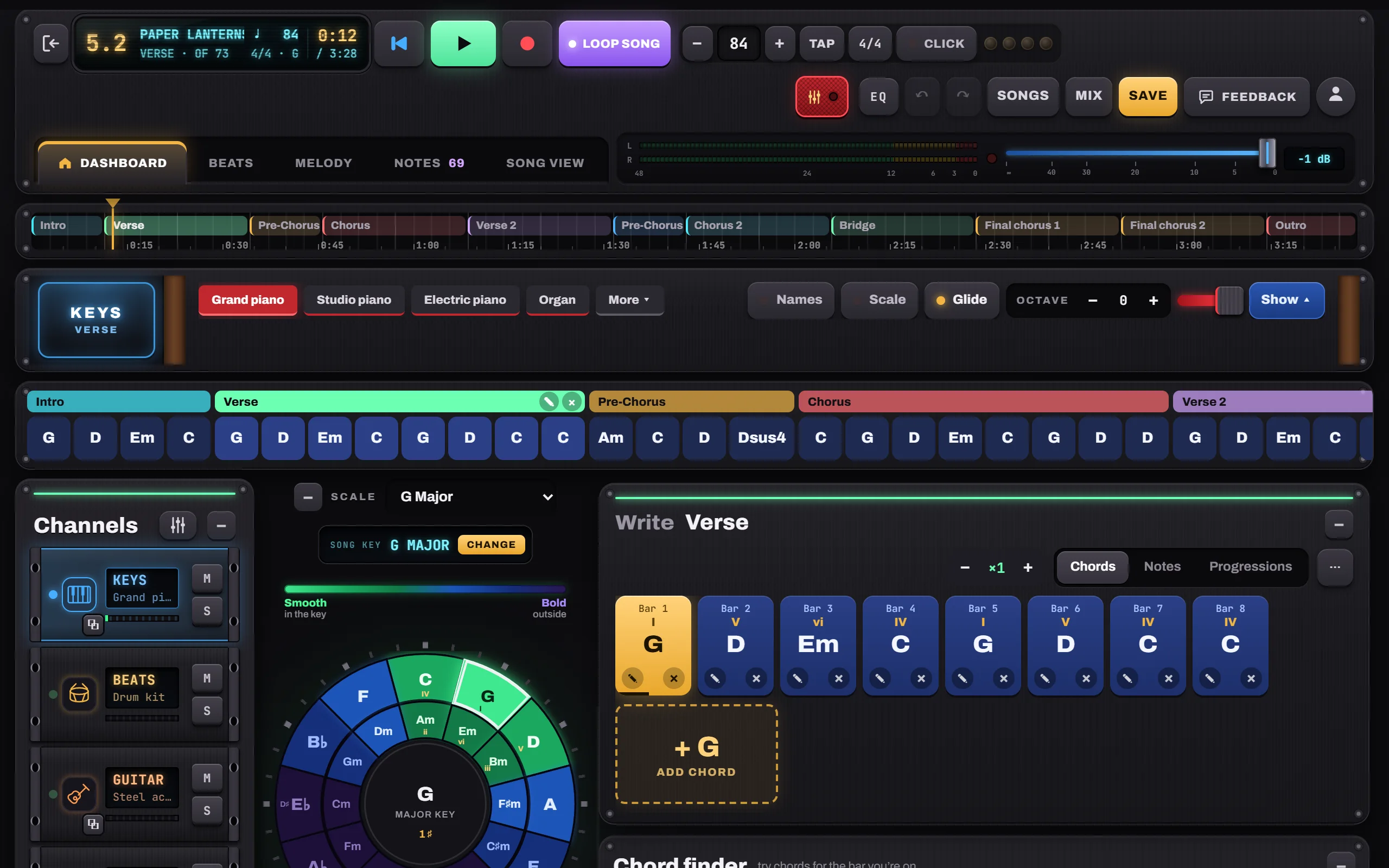
Your first song in 5 minutes
Open the studio, pick a key on the circle of fifths, add four chords, add a part and press play.

Choosing chords
The circle of fifths, the Chord finder’s “most likely next” dial, the Chord editor and the Progressions library.

Parts and song structure
Intro, Verse, Chorus and friends; repeats; the timeline; Song view with lyrics under every chord; Concert mode.

How it plays: Hold, Pulse, Arp, Strum
Choose how each part is played, edit the arpeggio grid, and give any chord its own pattern or your own notes.
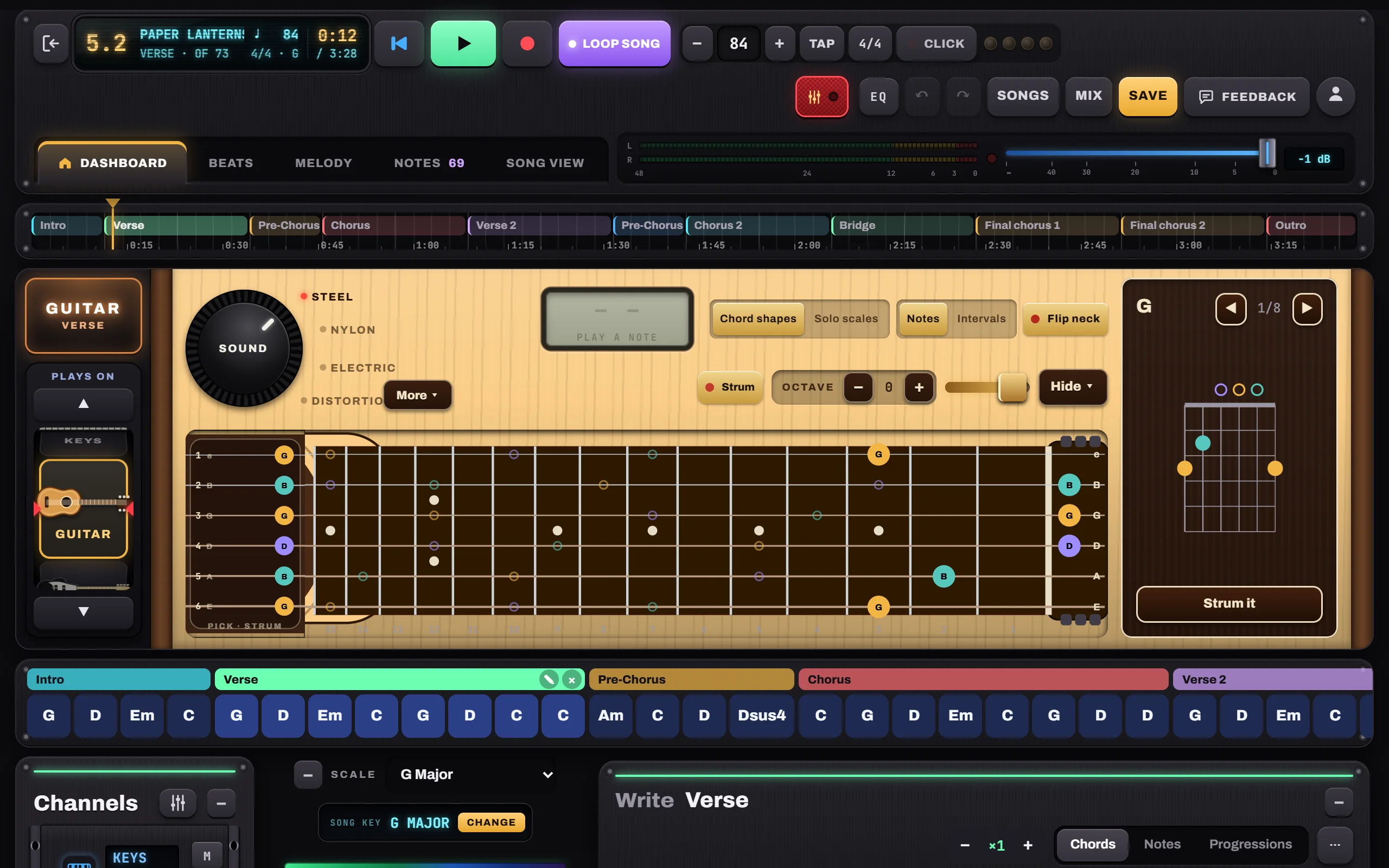
Instruments: keys, guitar and bass
Sounds, sustain and hold, the guitar’s chord shapes and strumming, the string pad, the bass, and the “Plays on” wheel.
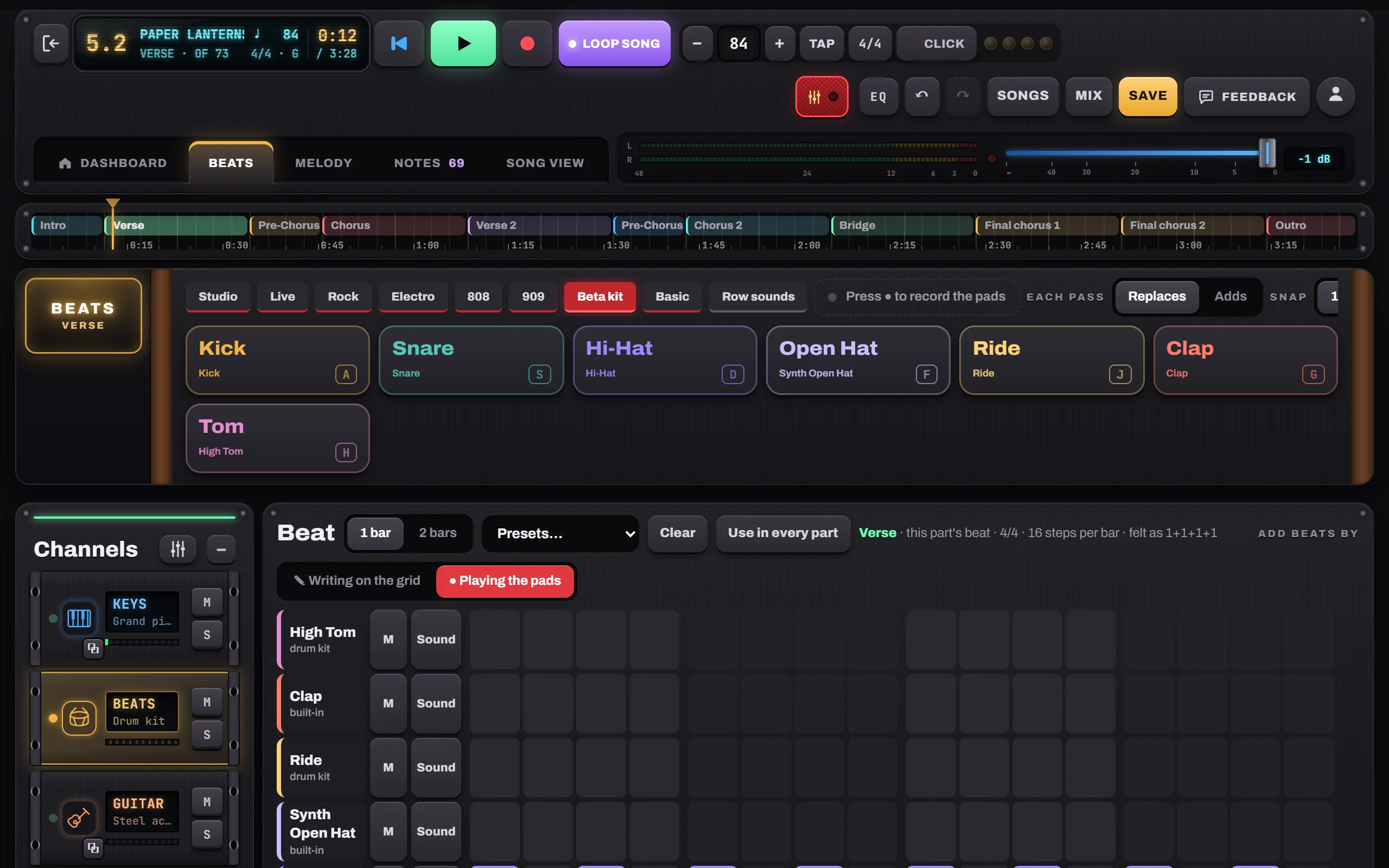
Beats: pads, sounds and a beat per part
Play the drum pads, write on the grid, pick presets, add sounds, record the pads live and give each part its own beat.

Melody: a piano roll for every channel
Add a melody channel, write notes on the piano roll, or edit exactly what Keys, Guitar or Bass play.

Recording takes, headphones and MIDI keyboards
Record a vocal or guitar take, line it up with the song, use headphones, and connect a MIDI keyboard or a remote.
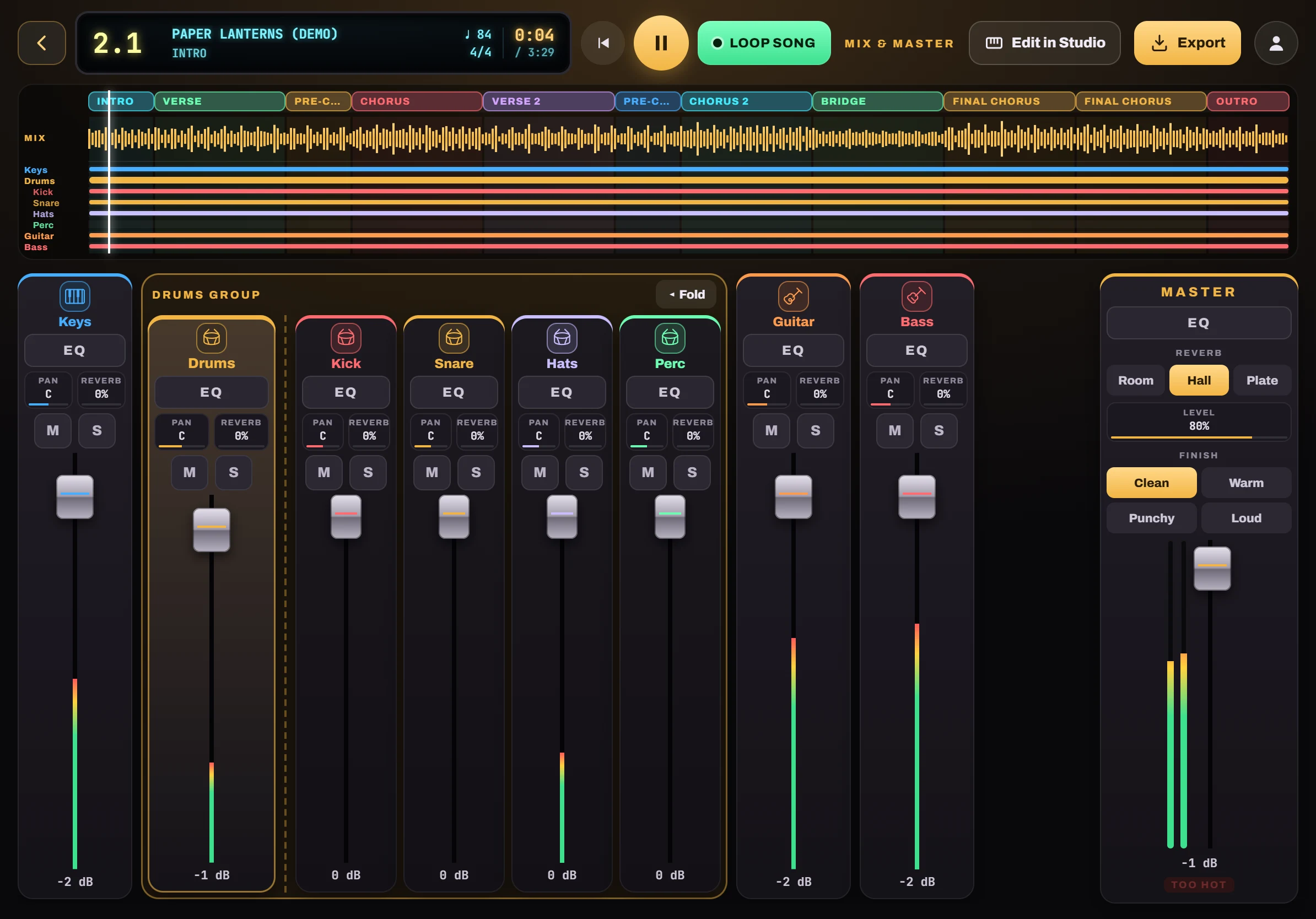
Mix & Master and export
Your finished song on a mixing desk: balance the levels, shape each instrument with EQ, pan and reverb, give the master a finish, and export a WAV or MP3.
Saving, sharing, installing and working offline
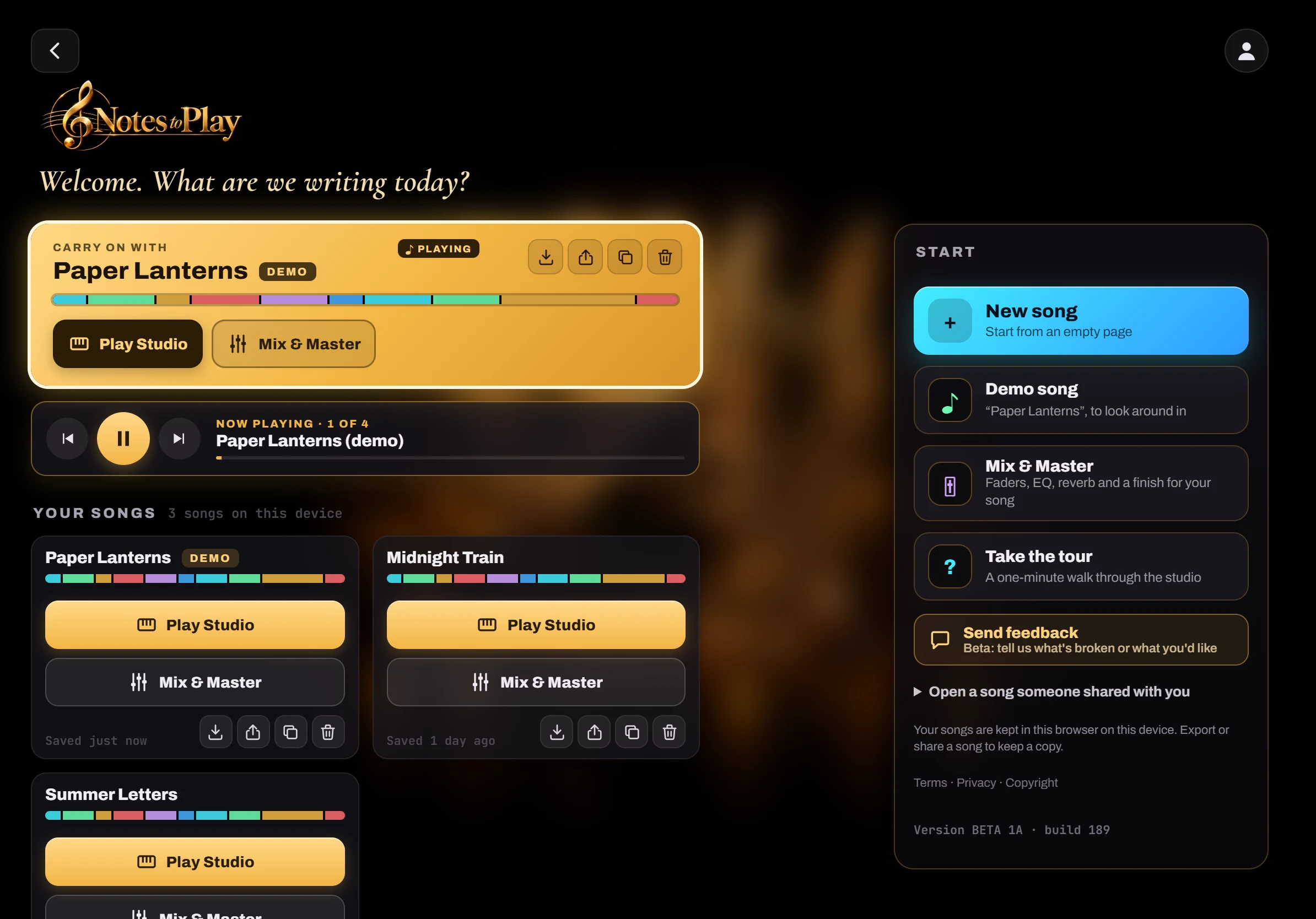
Save songs on your device, export a song file, share a song code, install the app from your browser and use it with no internet.
No guides match. Try another tag or word.